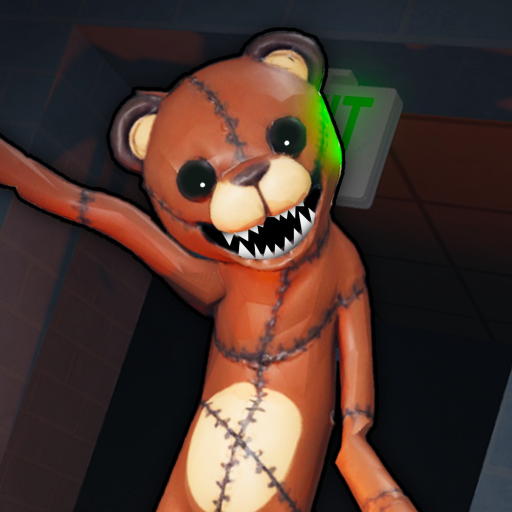
ToyRepairShopAnomaly
Badge guide · August 2026

Toy Repair Shop Roblox Died Badge & Outcome Guide

The Died badge name is recorded for the target Universe. Use the identity checks below, and keep the cause and prevention details open until the game shows them.

Checked 2026-08-15Died name recordedCause not confirmed
Quick answer

Died is an official badge name, not a death walkthrough.

Roblox badge data lists Died for Universe 10503038517. That confirms the named outcome exists in the target game, but the badge record does not establish what causes it, how to prevent it, or what happens immediately before it.

Use the exact Place and Universe checks below when a video or post claims to explain the badge. If it does not match the target game, do not carry the rule across.

Four-step check

How to investigate the Died badge

A careful identity check is more useful than a confident rule from a neighboring game.

  1. 1

    Open the official experience

    Start from Toy Repair Shop on Roblox and confirm Place 113837625806960 before treating a death explanation as relevant.

  2. 2

    Check the Universe identity

    Use Universe 10503038517 when comparing badge data. A badge with the same name in another Universe is not the same record.

  3. 3

    Read Died as an outcome label

    The official badge name confirms that Roblox lists Died for this Universe. It does not explain the event that grants it.

  4. 4

    Record an exact future observation

    If the game shows a cause, prompt, or consequence, note the exact wording and the matching game identity before treating it as a guide detail.

Confirmed

What the badge record gives you

  • The official name is Died.
  • The record belongs to Universe 10503038517.
  • The target Place is 113837625806960.
  • The name can be included in the browser-local milestone checklist.
Unknown

What the badge does not tell you

  • The scene, object, anomaly, or action that grants Died.
  • Whether a player can prevent the outcome.
  • Any timing, reward, order, difficulty, or ending.
  • Whether Died is connected to Night Shift or Endless Mode.
If you are stuck

Before following a death tip

  • Open the official Roblox listing again and compare the Place ID.
  • Check the Universe ID on the badge record or linked explanation.
  • Separate a player’s personal observation from a repeatable rule.
  • Take a break if the anomaly content or loud sounds are uncomfortable.
Common mistakes

Why death guides can mislead

  • Matching only the title while ignoring the Roblox identity.
  • Treating the word Died as proof of a particular cause.
  • Copying a prevention rule from another anomaly game.
  • Marking a browser note as if it changed Roblox account progress.
FAQ

Died badge questions

What does the Died badge confirm?

It confirms that Roblox exposes an official badge named Died for Universe 10503038517, the Universe associated with Toy Repair Shop (Anomaly).

Does Died explain why a player dies?

No. The badge name is an outcome label. Cause, prevention, timing, and any related rule remain unknown from the checked badge record.

Can I use death rules from another anomaly game?

No. Another game can use different scenes, entities, and outcomes. Confirm the Place and Universe before trusting an explanation.

Can the milestone checklist track Died?

Yes. It can hold a browser-local checkmark for the Died row, but it does not read Roblox account progress or infer a requirement.

Next pages

Follow the related records

Back to the guide hub